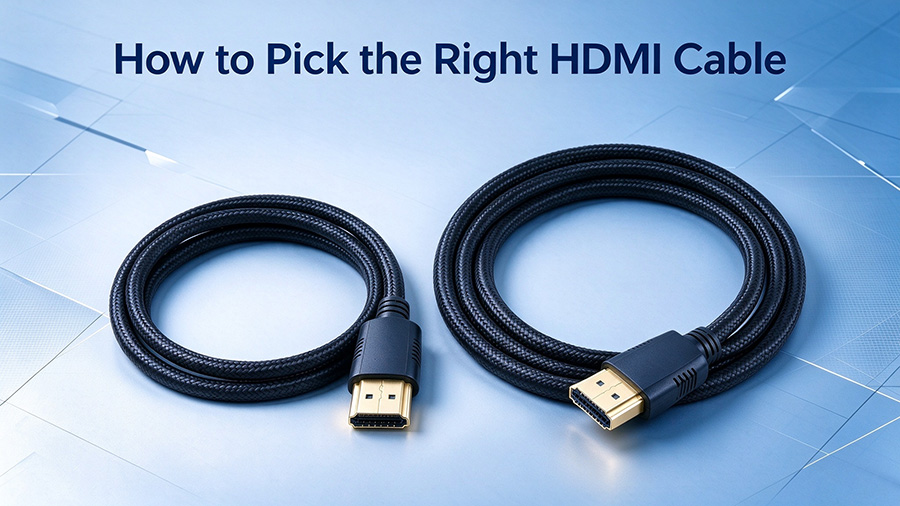
Upgrade Your Home Theater Experience: How to Pick the Right HDMI Cable
Introduction
Have you ever encountered frustrating issues with your home theater setup: hazy picture quality, washed-out colors, screen tearing or frame drops, even though you own a premium 4K television and high-end media players? Many users spend heavily on displays and playback devices yet overlook one critical component — the HDMI cable. An outdated, low performance HDMI cable can easily become the bottleneck that ruins your entire viewing experience.
As a professional cable and connector manufacturer, we break down key knowledge for HDMI cable selection in this guide. Whether you are building a home cinema, setting up a gaming station, or sourcing cables for resale and project integration, you will learn how to avoid common pitfalls and get the most out of your AV hardware.
Why Your 4K TV Fails to Deliver Satisfying Visuals
It is a widespread scenario: all your devices officially support 4K resolution, but real-world output cannot match expectations. More often than not, the root cause lies in your existing HDMI cable.
Old HDMI 1.4 cables offer only 10.2Gbps bandwidth. While they handle 1080P content smoothly, they struggle to transmit full-spec 4K signals. Symptoms include frame dropping, color deviation and screen glitches. Think of bandwidth like highway lanes: limited lanes cannot handle heavy traffic, no matter how good your vehicles are.
By contrast, HDMI 2.0 cables deliver up to 18Gbps bandwidth, reliably supporting 4K@60Hz output with rich color depth and contrast. Without sufficient bandwidth, even top-tier screens cannot show their true potential. Upgrading your cable is sometimes more effective than upgrading your display.
Cable Length: 2m vs 3m, Not Just a Size Difference
When shopping for HDMI cables, length selection deserves careful consideration. The 3m variant fits most the home theater living room layouts. It leaves enough slack for wall-mounted TVs and flexible device placement between TV cabinets and screens.
The 2m HDMI cable works best for compact spaces such as bedrooms and studies, where source devices sit close to the display. Shorter length reduces messy cable coiling and keeps your setup neat.
Signal attenuation increases with excessive cable length, while overly short cords create physical tension that loosens connectors. A practical tip: measure the actual distance between devices, then add 20-30 cm of extra margin. This prevents connector strain and makes plug-in operations convenient.
Key Parameters You Should Not Ignore
- Stable 4K@60Hz performance: Critical for fast-paced sports broadcasts and console gaming. It eliminates motion blur and screen tearing for smooth playback.
- 18Gbps high bandwidth: Enables HDR high dynamic range imaging. You get richer shadow details and well-controlled bright highlights, bringing movie scenes to life.
- Gold-plated connectors: Resist oxidation after long-term use, maintaining stable contact and extending service life, preventing frequent signal drop outs caused by corroded pins.
- Braided outer jacket: Superior tensile and bending resistance compared to ordinary PVC jackets. It withstands daily twists and pulls, ideal for households with pets or kids.
Note: HDMI cables are non-directional. Still, align connectors properly during plug-in and avoid brute force. Although HDMI supports hot-plugging, disconnecting devices under power off status is recommended for better long-term reliability.
Scenario Based on HDMI Cable Selection Guide
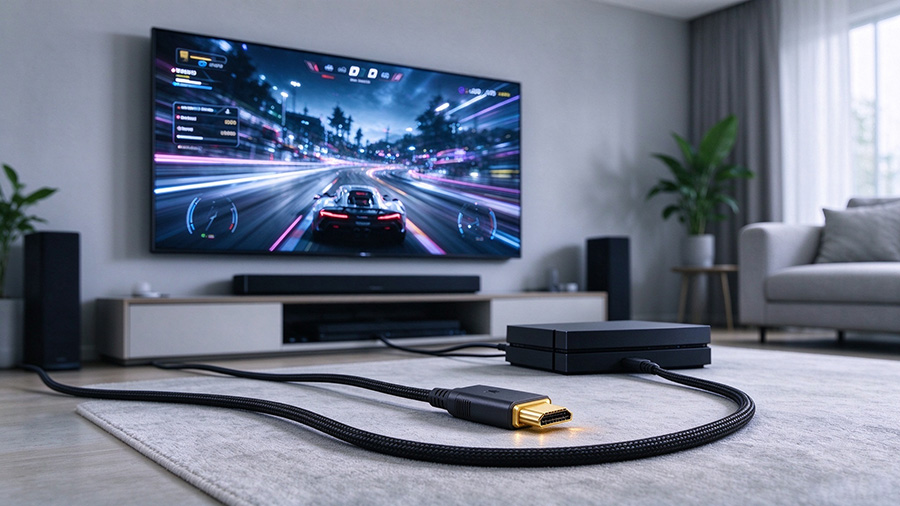
- Living room home theater: The 3m HDMI cable is the preferred option. It connects set-top boxes, game consoles and soundbars to wall-mounted TVs without extra extension cords.
- Bedroom & study: Go for 2m HDMI cables. Clean wiring minimizes trip hazards for short distance connections.
- Temporary & portable usage: For laptop to projector meetings or carrying game consoles to other locations, 2m cables offer better portability and simple storage.
Conclusion
Replacing your old HDMI 2.0-capable cable brings immediate visual improvements. Images become sharper with natural skin tones, clear subtitle edges and well-defined night-scene details. Gamer also benefit from smoother motion and reduced perceived input lag.Cables act as the circulatory system of audio-visual systems. Investing in quality HDMI cables is a cost-effective way to maximize your existing hardware instead of blindly chasing expensive new devices.
We manufacture premium HDMI 2.0 cables in 2m and 3m lengths, with gold-plated contacts and braided sleeves for home theater, gaming and commercial AV projects. OEM & ODM custom services are available. Contact our team if you need cable-assembly solutions for your projects.
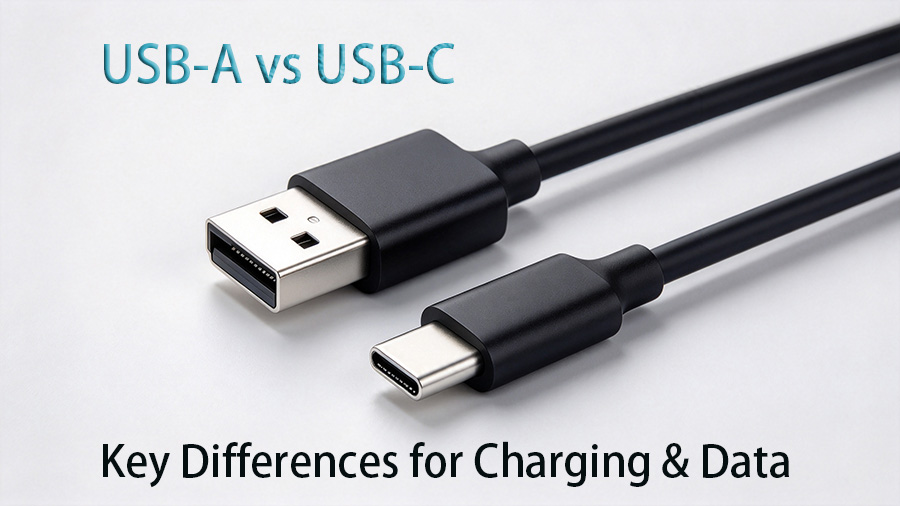
USB-A vs USB-C: What Are the Key Differences for Data & Charging Cables
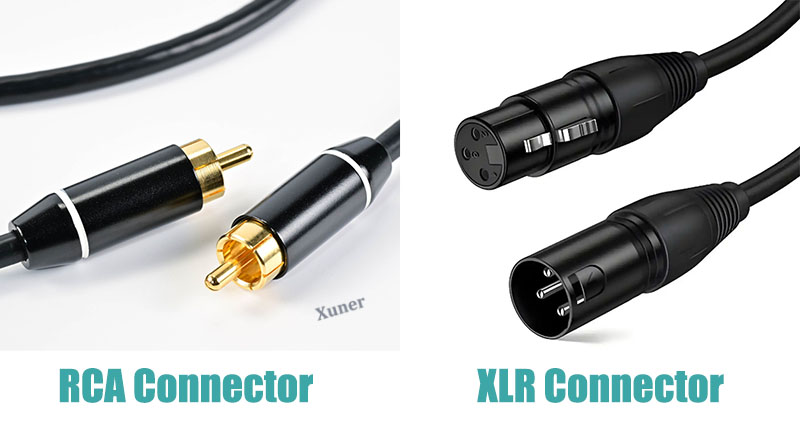
XLR vs RCA: Why can Balanced Transmission transmit 100m while RCA can only transmit 5m?