Common Types of USB Connector: A Complete Buying Guide
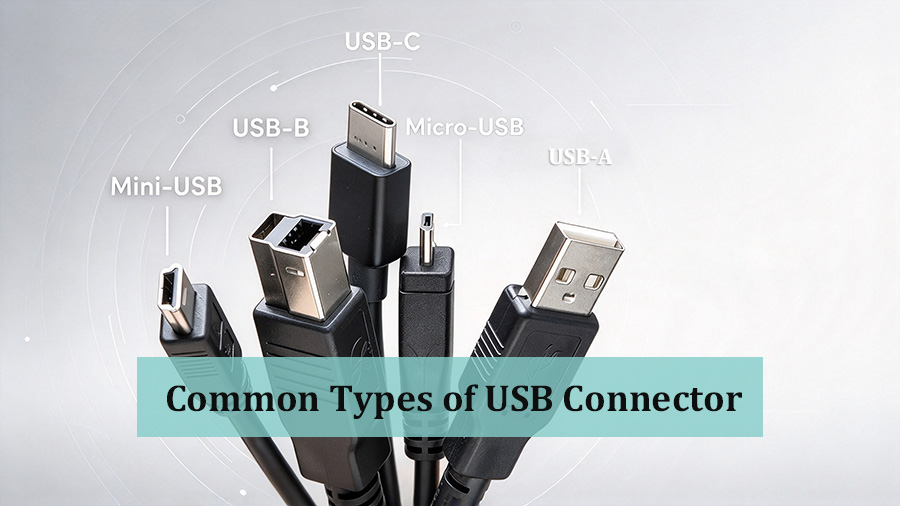
Introduction
USB connectors are everywhere in our daily life electronics and industrial equipment. However, many buyers get confused by the wide variety of USB port shapes. It is worth noting that the physical appearance of a USB connector does not determine its data transfer speed or power handling capability. Even connectors that look exactly the same can deliver totally different performance. This guide walks you through the most common USB interface types to help you select the correct cables for your project.
USB Type-A
USB Type-A is the most classic and widely recognized USB connector. It features a flat rectangular shape and cannot be inserted reversibly.
You can find Type-A ports on desktop and laptop computers, USB flash drives, computer mice, keyboards and many wall chargers.
Some manufacturers mark different USB generations with internal plastic colors for quick visual reference:
- Black inner plastic generally refers to USB 2.0 (480 Mbps)
- Blue inner plastic commonly stands for USB 3.0 (5 Gbps)
- Red inner plastic often indicates USB 3.2 Gen2 (10 Gbps)
Keep in mind this color coding is optional, not an official USB standard. Never judge performance only by plastic color.
USB Type-B
Standard Type-B
Standard Type-B is a square shaped plug with beveled corners. It is mainly used for stationary office peripherals such as printers and scanners. This port is rarely seen on mobile consumer electronics.
Mini-USB (Mini-B)
Mini-USB has a small trapezoidal profile. It was popular for older generation MP3 players, early digital cameras and old portable recorders. Nowadays this connector is largely obsolete and replaced by newer USB standards.
Micro-USB (Micro-B)
Micro-USB, also known as Micro-B, is a slim trapezoidal connector. It was once the mainstream charging port for older generation Android smartphones. Even today, Micro-B is still widely adopted for Bluetooth speakers, portable power banks and many small household gadgets. It remains a popular choice for low cost peripheral cabling.
USB Type-C
USB-C (Type-C) is the modern generation USB connector with a symmetrical oval housing. The biggest advantage is its reversible design; you can plug it in either direction without worrying about upside down orientation.
Nowadays, Type-C ports are standard for new smartphones, tablets, thin and light laptops and many industrial cabling solutions.
One critical point for cable purchasers: all Type-C connectors look identical externally, but their internal specifications differ drastically.
- Basic USB-C 2.0 cables only support low speed data transfer and basic charging.
- Premium Type-C cables built with an E-Marker chip can handle high power PD fast charging, video signal output as well as USB4 or Thunderbolt transmission.
When you source USB-C cables for high demand applications, always confirm whether the E-Marker chip is included.
Final Summary
When purchasing USB cables, do not make your decision based purely on the physical shape of the connector.
- USB-A: Classic desktop side interface for general purpose use
- Standard-B: Mostly for printers and office peripherals
- Mini-B: Outdated legacy connector for vintage devices
- Micro-B: Still common for budget small electronics
- USB-C: Modern reversible connector with wide performance range
If you need high speed data, video transmission or PD fast charging capability for USB-C applications, verify the E-Marker chip specification before placing your order.
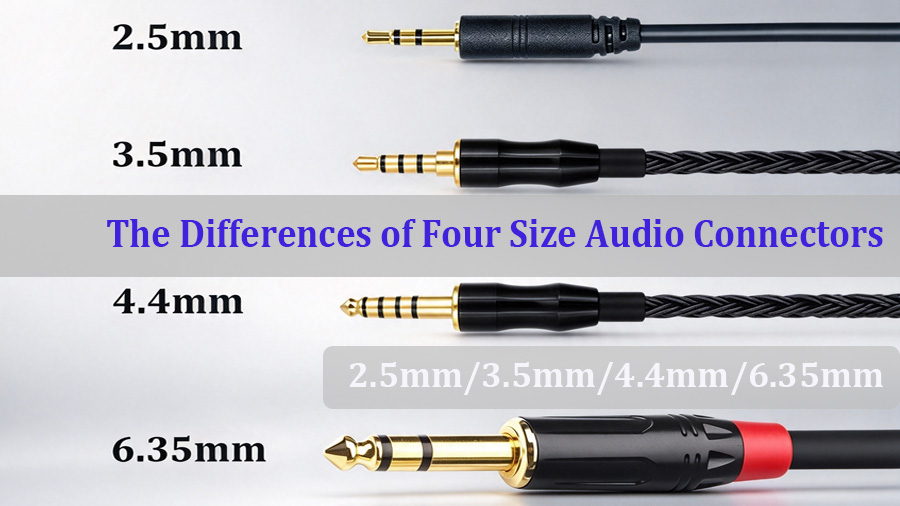
2.5mm, 3.5mm, 4.4mm, 6.35mm Audio Connectors: What Are The Differences & Which Delivers Better Sound Quality?
How to Choose Home Theater Cables for Beginners: 3 Important Buying Factors
Related Article