How to Choose Home Theater Cables for Beginners: 3 Important Buying Factors
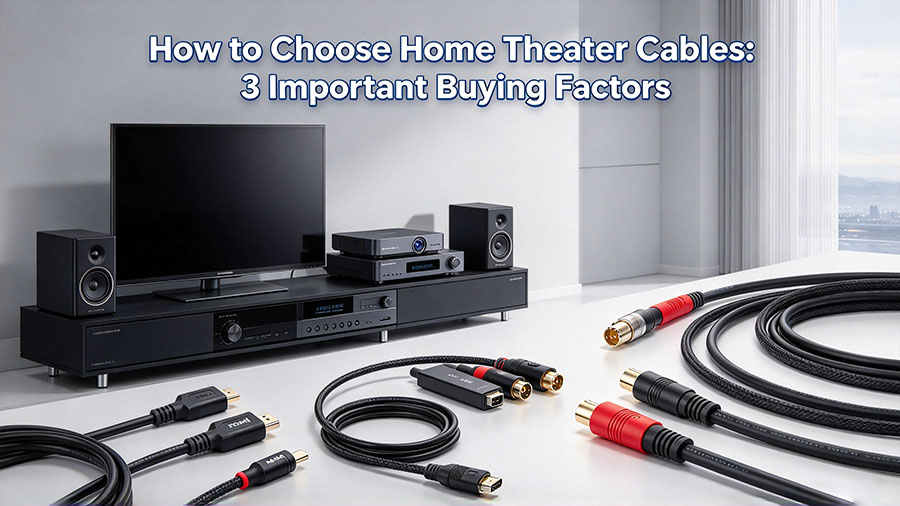
Building a stunning home theater experience requires more than just a TV, projector, speakers and AV receiver. High quality, well-matched cables and reasonable wiring practices play a huge role in delivering crisp images and immersive surround sound audio. Many beginners overlook cable selection and end up facing signal loss, blurry pictures or distorted sound even with premium grade hardware.
If you are new to home theater building, you can simplify your purchasing decisions by focusing on three core dimensions: cable type, length & material, and version specification. This guide walks you through practical knowledge to help you pick suitable cables without overspending.
1. Pick the Right Cable Type for Different Devices
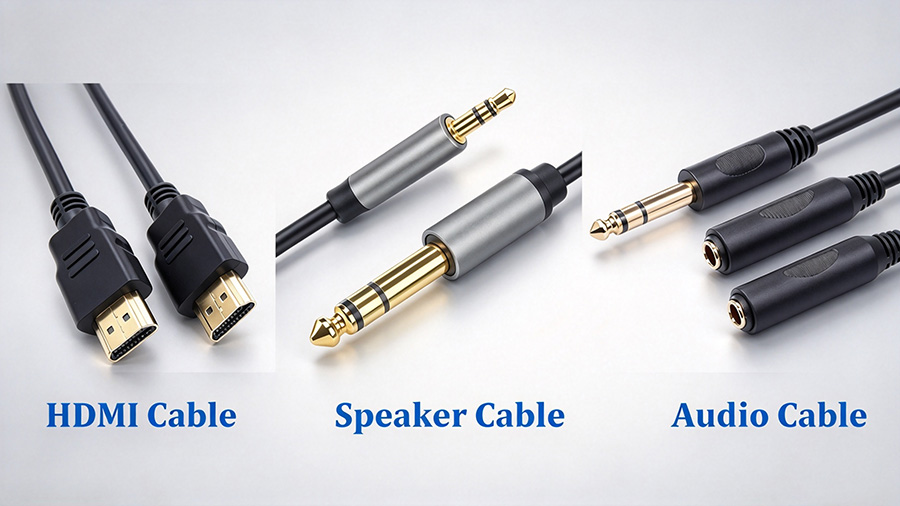
Three main cable categories are widely used in home theater installations: video cables, audio cables and speaker cables. Each serves a distinct transmission purpose.
- Video Cables HDMI is the most popular video cable for modern home theaters. It transmits high-definition video and multi-channel audio through one single connector, offering broad compatibility with TVs, projectors, Blu-ray players and game consoles. Alternatives such as DP, VGA and DVI exist but are less common for mainstream home theater builds.
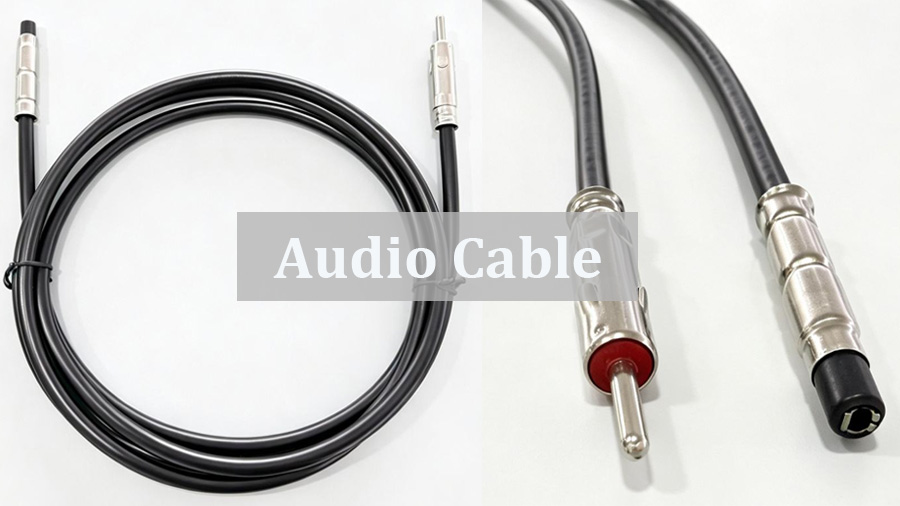
- Audio Cables Audio cables transfer sound signals between source devices and AV amplifiers. The two mainstream options are optical (Toslink) and coaxial digital cables. Optical cables feature strong anti-interference performance and perform better for long distance audio transmission. Coaxial digital cables come with lower costs and fit short-range connections perfectly.
- Speaker Cables Speaker cables connect amplifiers to speakers and carry high-current power audio signals. They usually adopt thicker copper cores. Premium level speaker cables use oxygen-free copper, gold-plated or silver-plated materials to cut resistance and reduce signal attenuation, securing smooth high-frequency audio output.
2. Select Proper Length and Material
Improper length or poor conductor material are common sources of signal degradation. Always measure your device layout before purchasing, and avoid buying excessively long cables.
Length reference
- HDMI cables: For regular TV-based home theater setups, 5 meters usually meets daily demands. For projector and screen configurations where devices sit far apart, choose 10-15-meter cables to fit ceiling mount or rear wall projector installation.
- Audio cables & speaker cables: Keep cables as short as practically possible. Longer cables bring higher resistance, which easily leads to audio distortion. Buy cables just long enough to reach between your hardware.
Material comparison
- HDMI cables: Copper HDMI cables are cost-effective and mature for short runs. Yet copper suffers obvious signal loss beyond 5-8 meters. Fiber-optic HDMI cables transmit signals via light, with nearly zero attenuation. They support transmission up to hundreds of meters and are ideal for long-distance projector wiring.
- Audio & speaker cables: Copper is the primary conductor material. Speaker cables need thick copper cores for large-current delivery. Audio signal cables carry low-power signals, so good shielding layers are essential to resist electromagnetic interference.
3. Understand Version Specifications, Do Not Blindly Chase the Highest Spec
Higher-version cables bring richer functions, yet you only need to match specs with your actual hardware instead of pursuing top-end versions blindly, as cable plugs look almost identical across generations.
HDMI version breakdown
- HDMI 1.4: Supports 1080P video output for basic HD viewing.
- HDMI 2.0: Delivers stable 4K@60Hz playback for most 4K movie watching scenarios.
- HDMI 2.1: Supports 8K@60Hz, 4K@120Hz and Dynamic HDR. It is required for high-end home theater and gaming setups.
Audio and speaker cable matching
Match cables to your surround sound channel layout. A 5.1-channel surround sound system calls for 5.1-compatible audio cables to get complete surround sound effects. For 7.1-channel or Dolby Atmos systems, select higher-grade cables to handle multi-channel audio streams.
4. Summary
Great home theater performance depends on matched cables as much as expensive audiovisual gear. By checking cable category, length and material and version specifications, beginners can avoid common purchasing mistakes. Select cables based on your real-world setup rather than marketing hype, and you will unlock the full visual and audio potential of your home theater devices.As a professional manufacturer of AV cables, we supply different audio video cable.Our engineering team can assist you in selecting the optimal cable for your use case.Contact us for a technical consultation or custom quotation.
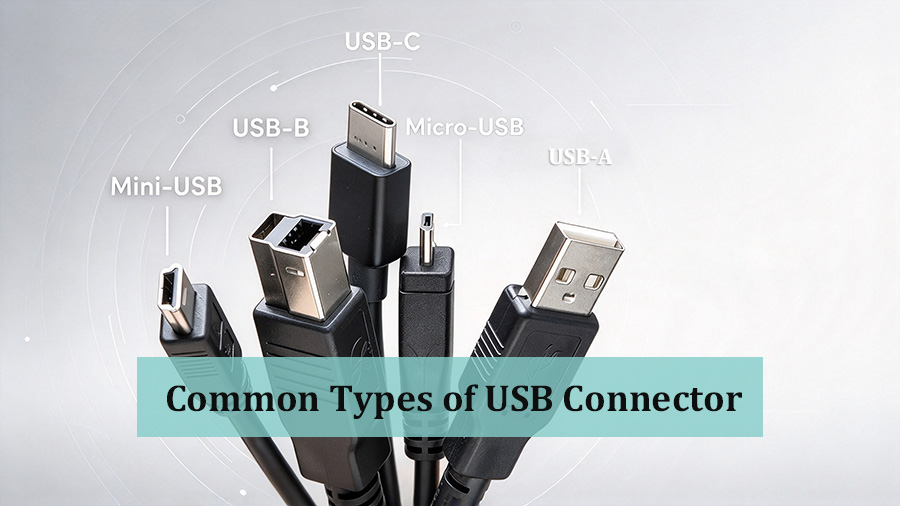
Common Types of USB Connector: A Complete Buying Guide
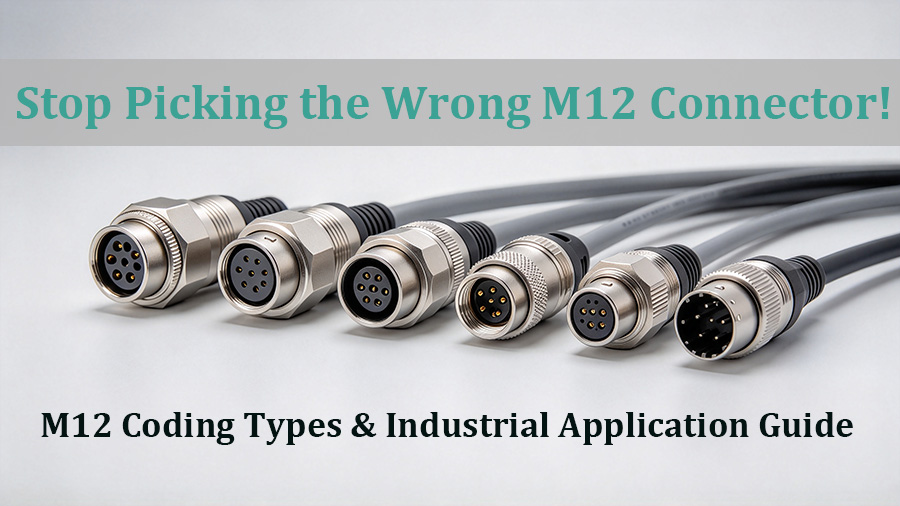
Stop Picking the Wrong M12 Connector! M12 Coding Types & Industrial Application Guide
Related Article