Say Goodbye to Blur Lag! 2026 Game Quality Upgrade Strategy: Wires Are The Key
Introduction
After many players replace 4K TVs and high-end game consoles, they still encounter problems such as foggy pictures, detail mosaics, and splash screens and black screens during the game. Everyone is willing to invest in display equipment, but often ignores the connecting cables, resulting in the inability to give full play to the performance of the equipment. Choosing the right cables is an important basis for a high-quality gaming experience.
Why does the wire affect the game screen
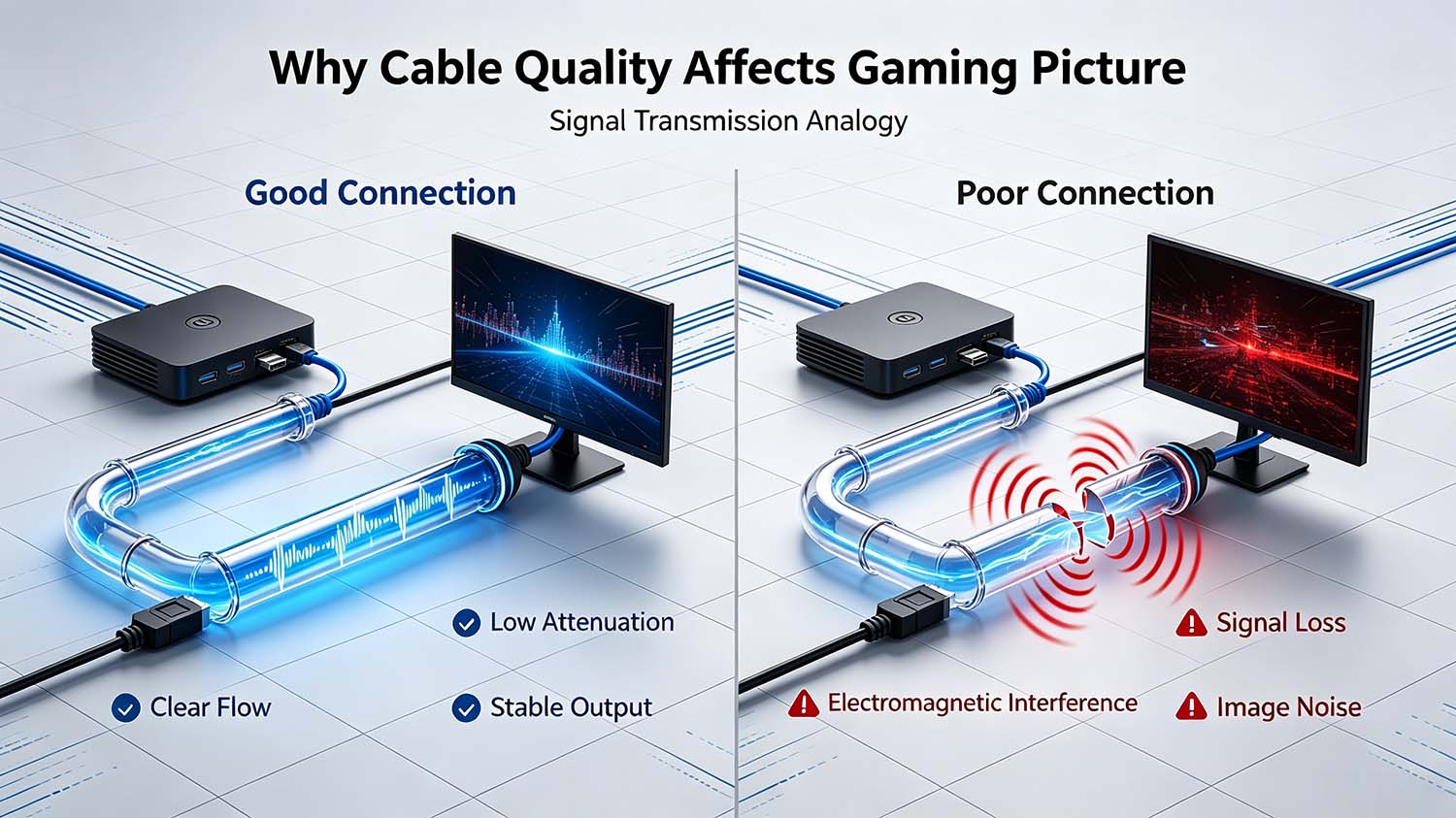
The wire is equivalent to the transmission pipeline of the game signal, and the picture pixels and audio signals output by the host rely on the wire to complete the transmission.
- Insufficient purity of inferior wire conductors, poor shielding layer and aging interface will cause signal attenuation and electromagnetic interference;
- Common faults: loss of picture details, color fault distortion, random black screen splash screen, intermittent audio noise;
- High-quality wires are not consumer metaphysics, but the hardware basis for completely restoring game audio and video.
Wire rod selection scheme corresponding to different equipment
- Although the ordinary wire interface can be matched, there are defects in the pin and protocol adaptation, and it is not good enough to run the original image quality of the host;
- The dedicated HDMI cable is optimized for the output characteristics of Xbox360 S/E to transmit interference and ensure stable signal handshake;
- Actual effect: Playing classic games such as "Halo" and "Gears of War", the picture is clean and the hazy feeling is eliminated.
- The equipment supports 4K @ 120Hz, HDR, and VRR, which requires high transmission bandwidth;
- HDMI2.1 has a bandwidth of 48Gbps, which is 2.66 times that of HDMI2.0, and supports 8K @ 60Hz and 4K @ 120Hz without loss;
- Product features: multi-layer shielding resists electromagnetic interference of home appliances, gold-plated interface is anti-oxidation, resistant to repeated plugging and unplugging, and can adapt to future equipment upgrades.
3.Multi-device nostalgic players: prepare a set of multi-functional cable sets
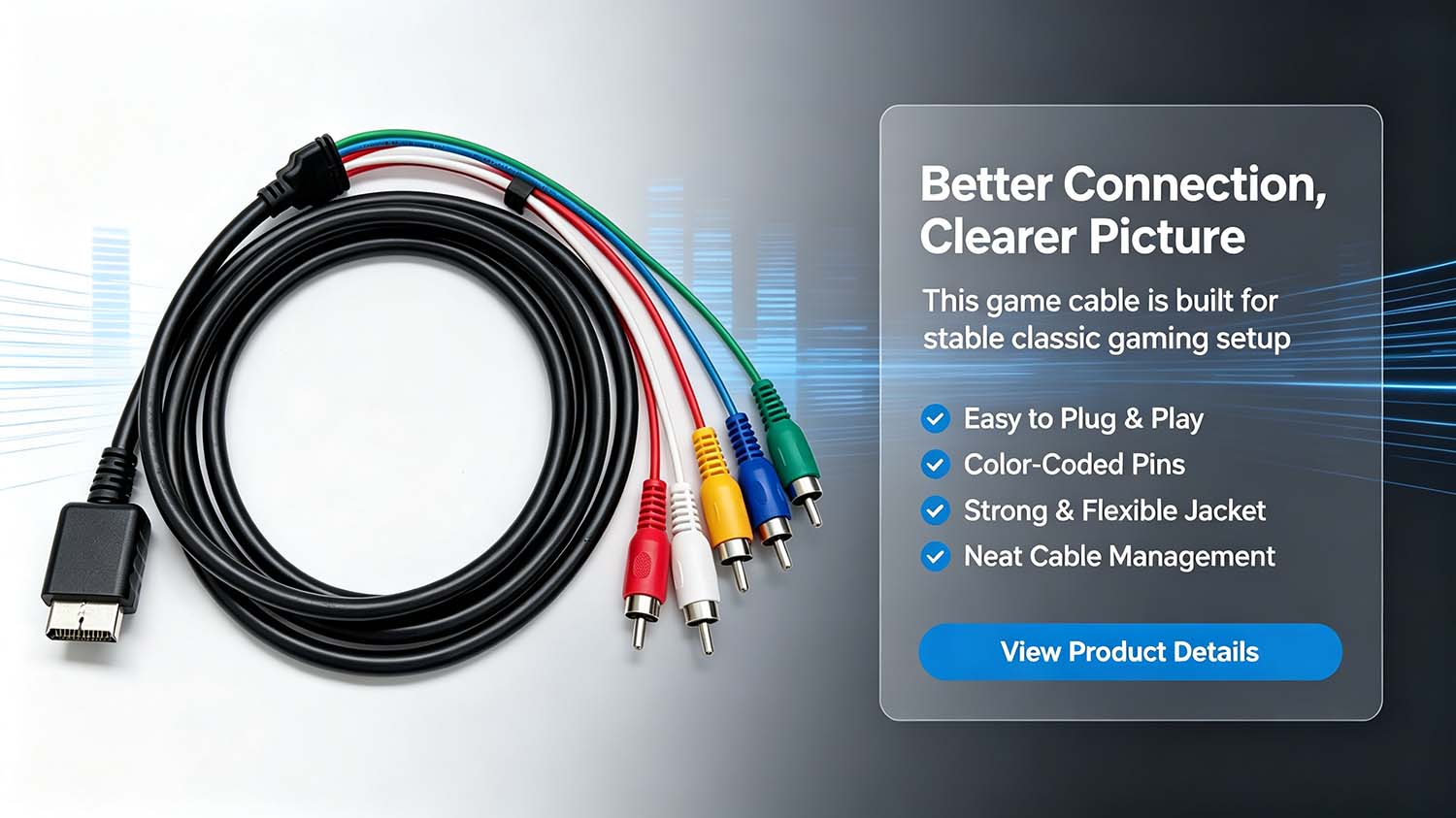
- The package includes HDMI, AV, color difference component, VGA multiple cables;
- Advantages: Compatible with new and old display devices such as CRT old-fashioned TVs and projectors; When the main wire rod is damaged, it can be used in an emergency; Some wires can be reused to other audio-visual equipment.
Note: For daily main games, HDMI is still given priority to obtain digital picture quality.
- Round wire cables, wiring is difficult, and bending can easily damage the internal wire core;
- Advantages of flat thread: Soft texture, can be attached to walls and hidden in carpets, which is convenient for hiding thread; When bending, the core stress is smaller and the durability is higher; Taking into account the stable transmission of 2K/4K and the beauty of desktop and TV wall.
Practical points of wire rod selection
- Confirm the hardware parameters first: check the signal source (host/PC), the resolution, refresh rate and interface specifications supported by the display device;
- Match wires according to usage scenarios: the old host chooses a special machine to optimize wires; The next-generation host chooses HDMI2.1; Multi-device toss players prepare multi-functional packages; Pay attention to cable management and choose flat cables;
- Pay attention to hardware workmanship: give priority to bandwidth specifications, shielding technology, and gold-plated interfaces;
- Control the length of the cable: try to choose the short one under the premise of the connection distance. If the cable is too long, the signal attenuation will be aggravated.
Summary
Wire rods cannot improve the picture quality out of thin air, but they can completely transmit all the audio and video signals output by the device, and are an indispensable "digital blood vessel" for the game system. 2026 If you want a complete and vivid game screen, you can optimize the experience by replacing the adapted connecting cable.
We supply High quality HDMI 2.1 8K gaming cable.Reach out to our technical team for tailored project recommendations and bulk quotations.
Tinned Copper VS Oxygen-free Copper USB Data Cable: How to Choose?
Shielded vs Unshielded M12 Connectors:Real-World EMC Performance Test Comparison
Related Article